Level 1, lesson 3 of 5 · 4 min
The receipt printer
How a receipt printer works, which width to choose and why USB beats Bluetooth.
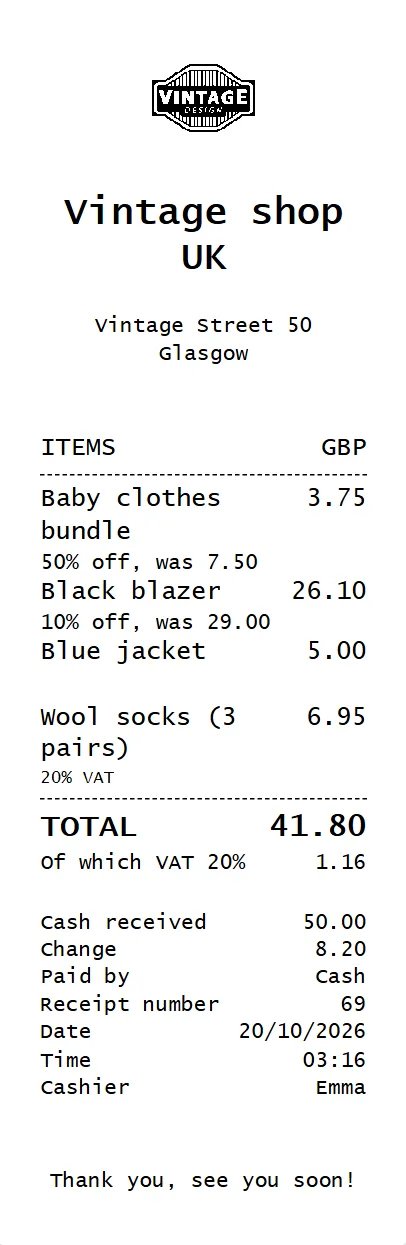
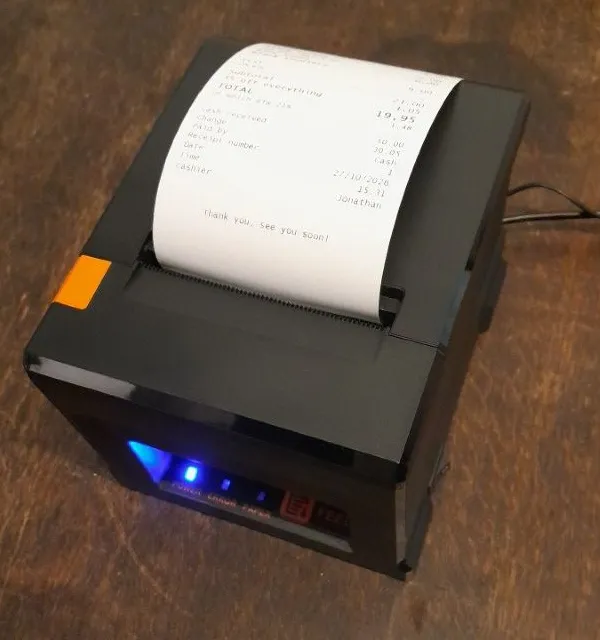
After paying, the customer gets a receipt. It comes out of a receipt printer: a small box next to the register with a roll of paper in it.
Printing without ink
A receipt printer is thermal, just like a label printer. The paper turns black where the printer heats it. So you never need ink. You only buy new rolls.
A roll has a shiny side. That side has to face the print head. If the roll is in the wrong way around, a blank receipt comes out. That happens to everyone once.
58 or 80 millimeters
Receipt rolls come in two widths:
- 80 mm: the usual receipt printer you see in most shops. Fast, the receipt is out in a second, and it cuts the receipt itself.
- 58 mm: a smaller printer. Cheaper, but slower, and usually you tear the receipt off yourself.
For a shop we recommend 80 mm. A small printer is fine if you don't print many receipts. When you buy rolls, pick the same width as your printer. For a 58 mm printer you buy 57 mm rolls.
USB or Bluetooth
You connect a receipt printer to the register's computer. A USB cable is the most reliable. The computer simply sees the printer as a printer, and it stays on as long as it's plugged in.
Bluetooth printers often run on a battery. They switch off after a few minutes to save power, or the computer loses the connection. Then a customer misses the receipt, right when it's busy. So pick a printer with USB and its own power adapter.
Watch out: a USB cable in the box doesn't always mean the printer prints over USB. With some printers that cable is only for charging the battery.
Printing without pressing a button
Normally a computer asks which printer and which settings for every print. At the register you don't want that: the receipt should come out right away. So you set up the register's computer once to print without asking. How that works is in the guide below.
Want to know more?
The help center shows exactly which buttons to use.
Read the guide: Setting up the receipt printer