Help center
Search for an answer, guide or course.
Guides by topic
Getting started
Setting up your shop, employees and devices.
Items and labels
Adding items, SKU and barcode, printing labels.
Register
Checkout, the receipt printer and returns.
Consignors
What a consignor is, their own link and payouts.
Accounting
VAT, the margin scheme and exports for your accountant.
Frequently asked questions
Getting started
Do I need to download or install anything?
No. EasyConsign works in your browser. You can put it on your phone as an app, though, see EasyConsign as an app on your Android phone.
Does the register work on a tablet or phone?
The register only works in Firefox on a computer, because the receipts are printed through Firefox. Adding items, preparing labels and checking your numbers do work on your tablet or phone.
Can I have more than one shop in one account?
Yes. With Growth you can have up to 3, with Pro up to 10. You switch shops at the top of the menu. Each shop has its own items, consignors and employees.
Which countries does EasyConsign work in?
Right now, for shops in The Netherlands and the United Kingdom. More countries will follow.
Items and labels
How many items can I have?
That depends on your plan: 2,000, 7,500 or 25,000 items in stock. Only items still for sale count. Sold items don't. See Your subscription.
I deleted an item by accident. Can I get it back?
Yes. Deleted items go to the Trash bin first. You can restore them from there for 30 days. After that, they're deleted for good, along with their photo.
Can I sell items without a barcode?
Yes. At the register, you add a line with a name and a price. Handy for small things from a bin, like socks or hats.
How do I print barcode labels?
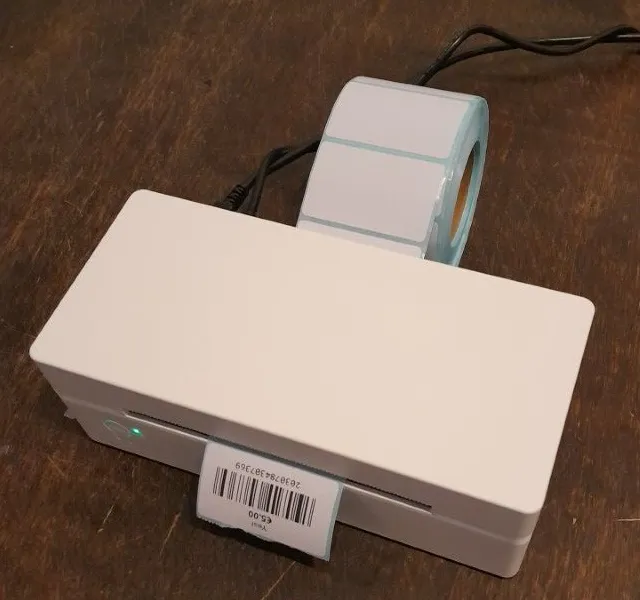
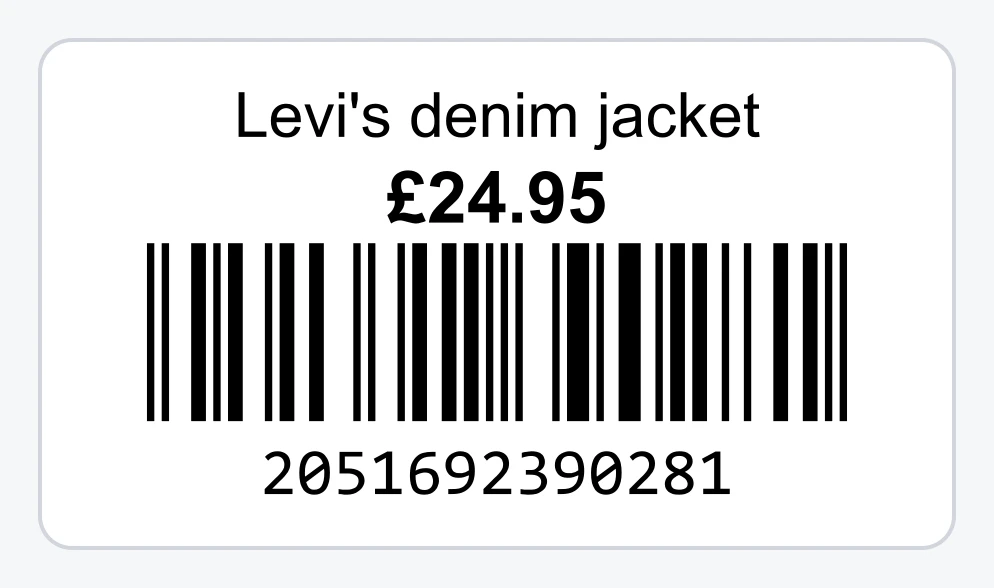
With a label printer and a thermal roll, or on A4 sticker sheets with your regular printer. We recommend a roll: the labels always line up and you don't have to choose where to start. The label shows the name and price, with the barcode below:
Register
Can EasyConsign process card payments?
No. EasyConsign isn't a payment terminal. The customer pays with your own card terminal. In EasyConsign you choose Card, and the sale is saved that way. See Checking out at the register.
Which receipt printer works with EasyConsign?
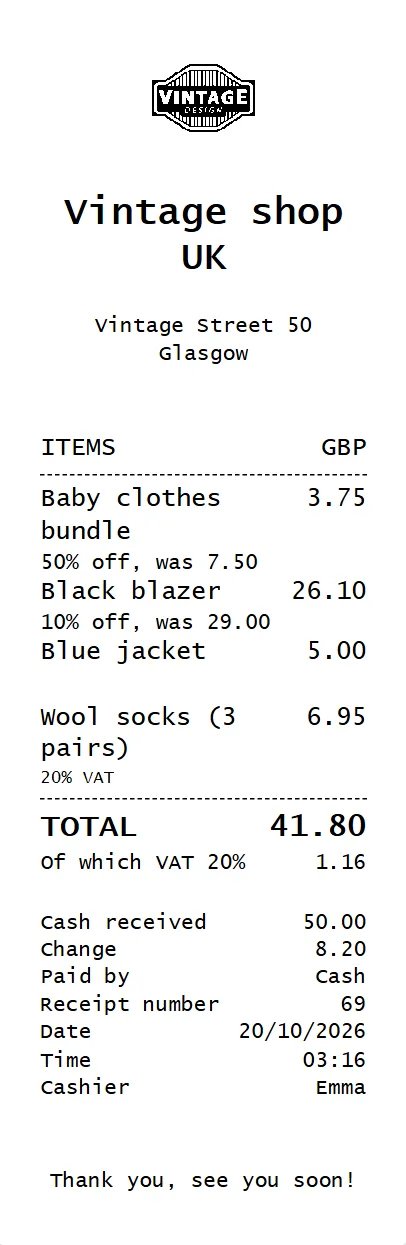
Any thermal receipt printer for rolls 58 mm or 80 mm wide that your computer recognizes as a printer. We recommend an 80 mm desktop printer with USB. With Bluetooth, we can't promise it will work. This is what a receipt from EasyConsign looks like, with your logo and address on top:
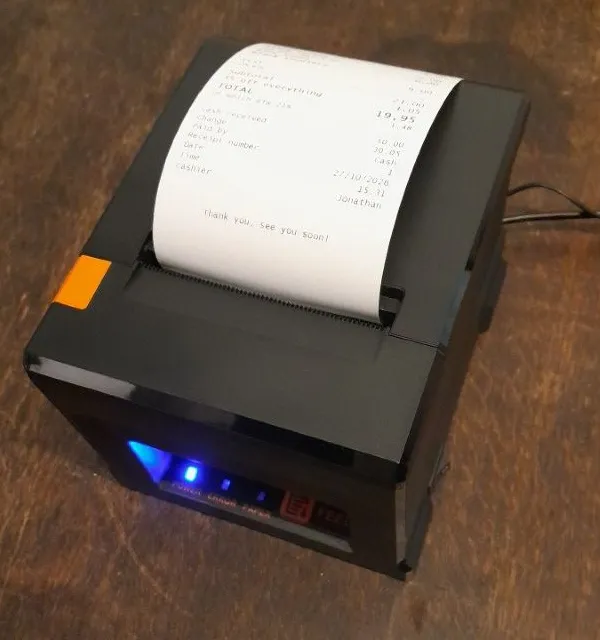
See What equipment do you need? and Setting up the receipt printer.
The print dialog shows up every time. How do I turn it off?
In Firefox, go to about:config and set print.always_print_silent to true. The step-by-step guide is in Setting up the receipt printer.
What if the internet goes down?
The register needs internet to save a sale. If it goes down, write the sales down on paper for a moment and enter them later under Accountancy > Add sale. A hotspot on your phone works too.
Consignors
How does a consignor see what's sold?
Through a personal link, with no account. The consignor sees their own items, what's sold and their balance. See The personal link for consignors.
Does EasyConsign pay my consignors?
No. You pay out yourself, in cash or by bank transfer. Then you register the payout in EasyConsign, so the balance is right. See Paying out consignors.
Can I agree on a different percentage per item?
Yes. You set the consignor's percentage per item. With Keep consignor and percentage for the next item, you only pick it once for a pile from the same consignor.
Accounting
Can my accountant get to my numbers?
You download the sales and expenses as Excel or CSV under Accountancy > Calculate and download and send them to your accountant. See Calculate and download.
Does EasyConsign work out the VAT for me?
EasyConsign works out how much BTWVAT is in your sales and expenses, including on your margin for margin goods. Check the amounts before you file. See VAT and the margin scheme.
Subscription
What happens after the free trial?
You choose a plan and carry on. If you do nothing, you can still view and download everything, but you can't sell or add items. You don't lose anything.
Can I cancel monthly?
Yes, with a monthly plan. Your subscription then runs until the end of the month you've already paid for. A yearly plan runs until the end of the year.
Where do I find my invoices?
Under Accountancy > Subscription, at the bottom of the page. You can download them one by one or together.
Didn't find your answer?
Send us a message. Feedback and ideas are welcome too.